

Multimodal AI: How Models Now See, Hear, and Read at the Same Time
By 2026, over 68% of enterprise AI deployments use multimodal inputs — not just text, but images, audio, and video processed simultaneously. Yet most educators, L&D managers, and EdTech founders are still building on single-modality pipelines that were cutting-edge in 2022. That gap is costing them. Learners expect the same richness from their training platforms that they get from consumer apps. A student can ask GPT-4o to “look at this chemistry diagram and explain it aloud” and get a voice response in under two seconds. If your platform can’t do something close to that, you’re not competing on experience — you’re competing on price. This post breaks down exactly how multimodal AI 2026 works, which models lead the field, and how EdTech teams can deploy these capabilities without a PhD in machine learning.
- Multimodal AI models process text, images, audio, and video in a single unified pipeline — no stitching of separate models required.
- GPT-4o, Gemini 2.0, and Claude 3.5 are the three dominant multimodal platforms in 2026, each with distinct EdTech strengths.
- The core architecture uses modality-specific encoders feeding into a shared embedding space for cross-modal reasoning.
- EdTech use cases range from AI tutors that read student handwriting to LMS platforms that auto-caption and summarise video lectures.
- Common mistakes include ignoring audio latency, skipping accessibility compliance, and treating multimodal as a feature rather than a pipeline.
What Multimodal AI Actually Means in 2026
The word “multimodal” gets thrown around loosely. Let’s be precise: a multimodal AI model is one that ingests and reasons across two or more data modalities — text, image, audio, video, or structured data — within a single forward pass. This is fundamentally different from chaining a speech-to-text API into a language model. In a true multimodal architecture, the model doesn’t first transcribe audio and then read the transcript. It processes the audio signal and the text signal in parallel, allowing the meaning of one to influence the interpretation of the other.
Why does that distinction matter for education? Consider, for example, a student submitting a voice memo explaining their solution to a maths problem while simultaneously uploading a photo of their work. In a chained system, the transcript is read first, and the image is “looked at” separately. In contrast, a multimodal system understands that the student said “this line here” and immediately identifies which line in the image they meant. Consequently, that contextual alignment represents the true step-change.
A 2025 Stanford HAI report found that multimodal tutoring systems improved knowledge retention by 34% compared to text-only AI tutors, primarily because they could respond to the actual context of a learner’s environment — their whiteboard, their voice tone, their written notes — rather than an abstract text description of it.
The architecture behind this has three layers:
- Modality-specific encoders — vision transformers (ViTs) for images, wav2vec or Whisper-style encoders for audio, and standard transformer encoders for text.
- A unified embedding space — all modalities are projected into a shared high-dimensional space where semantic proximity is modality-agnostic. A picture of a dog and the word “dog” sit close together.
- Cross-modal attention layers — the model can attend to tokens from any modality when generating a response, allowing genuine reasoning across inputs rather than sequential processing.
By early 2026, the leading models have pushed context windows large enough to hold an entire one-hour lecture video (as frames + audio tokens), a student’s full semester of written work, and a live question — simultaneously.
Actionable Framework: Deploying Multimodal AI in Your EdTech Product
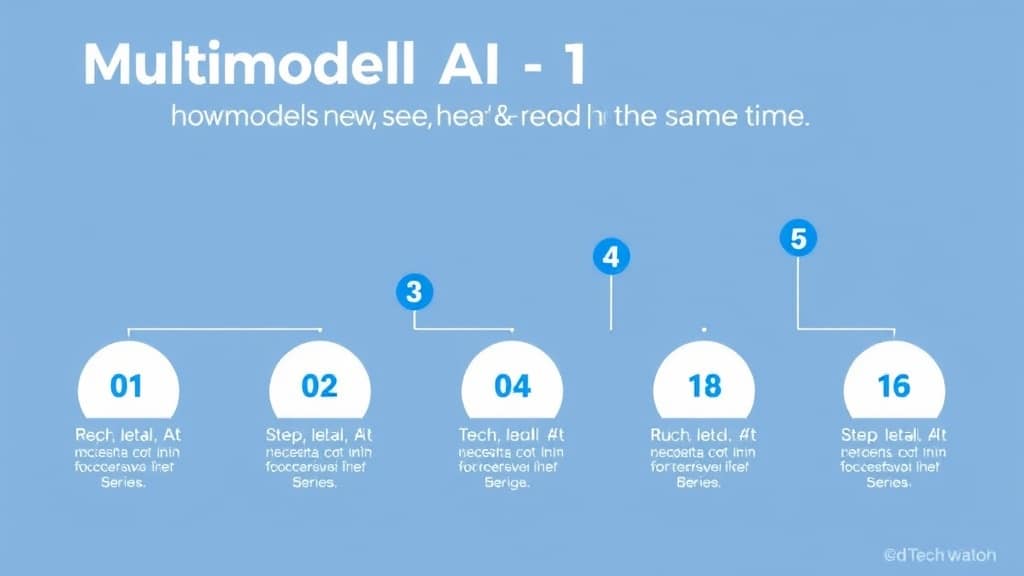
Most teams fail at multimodal deployment because they treat it like a model swap. It isn’t. Here is a six-step framework that production EdTech teams are using in 2026:
- Define your modality matrix first. List every input type your learners actually produce: typed answers, uploaded photos of handwritten work, voice responses, screen recordings, PDF uploads. Then map which of those need AI understanding vs. just storage. This prevents you from over-engineering for modalities your users will never use.
- Choose your model tier based on latency requirements. Real-time AI tutoring (sub-2-second response) demands a different model configuration than async essay feedback. GPT-4o and Gemini 2.0 Flash handle real-time well. For deep, long-context analysis of video lectures, Gemini 2.0 Pro’s 2M token context window is currently unmatched.
- Build modality-specific pre-processing pipelines. Even with native multimodal models, you need to normalise inputs: compress images to optimal resolution, normalise audio sample rates, chunk video into labelled frames. Poor pre-processing is the #1 cause of multimodal quality degradation that teams blame on the model.
- Implement cross-modal grounding in your prompts. Don’t just send the image and ask a question. Use structured prompts that explicitly reference the relationship: “The student’s voice response is and their diagram is [image]. Identify any misalignment between what they said and what they drew.” This forces the model to use cross-modal reasoning rather than treating inputs independently.
- Audit for accessibility compliance. In 2026, the EU AI Act and updated WCAG 3.0 guidelines both have provisions affecting AI-generated multimodal content in educational contexts. Any AI system that generates or interprets audio or visual content for learners must produce accessible outputs — auto-captions, alt-text, screen-reader-compatible responses.
- Monitor modality-specific failure modes separately. Your observability stack needs to track performance broken down by input type. An LLM might ace text Q&A but degrade on handwritten equation recognition. Without per-modality metrics, you’ll see blended performance scores that mask real problems.
Use Cases Across the EdTech Ecosystem
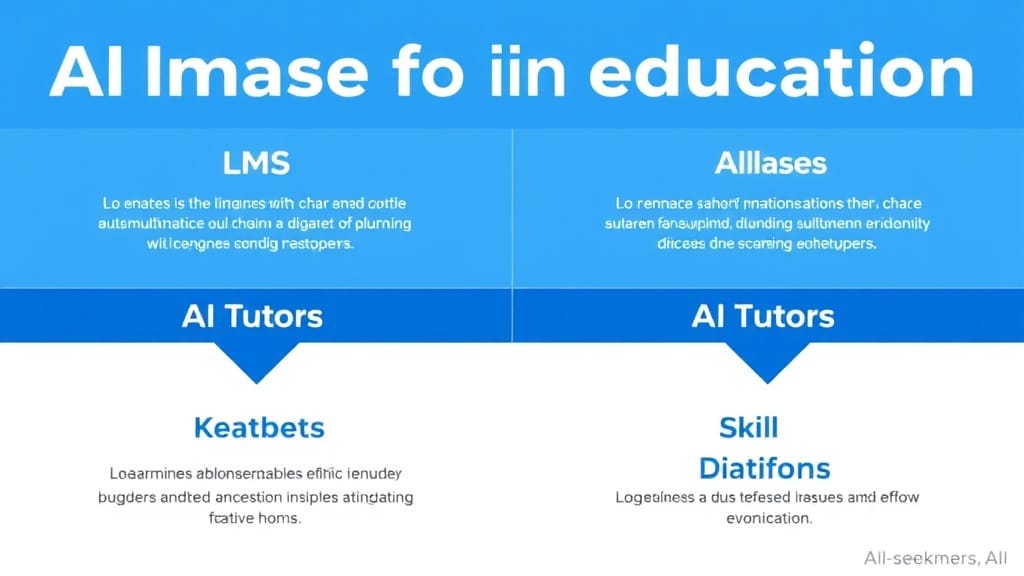
LMS Platforms (Moodle, Canvas, custom builds)
Multimodal AI is transforming the passive LMS into an active learning environment. Auto-generated chapter summaries from video lectures, intelligent search that finds the moment in a recording where a concept was mentioned, and AI-graded diagram submissions are now table-stakes features for competitive LMS products. Platforms that integrated Gemini 2.0’s video understanding API saw a 41% reduction in instructor time spent on content curation, per a 2025 EdTech Benchmark report.
AI Tutors
The most dramatic use case. An AI tutor with multimodal capability can watch a student write on their tablet, detect errors in real time, and provide spoken feedback without the student having to type anything. Khanmigo’s 2025 update integrated vision capabilities that allowed it to interpret student-drawn graphs — usage time increased by 28% among students who previously disengaged from text-only sessions.
Universities and Higher Education
Universities are deploying multimodal AI for two distinct purposes: student-facing (accessibility tools, multilingual support, lab simulation feedback) and faculty-facing (automated rubric application to submitted diagrams, peer review assistance, research paper figure analysis). The University of Melbourne’s 2025 pilot using Claude 3.5 for automated lab report grading — which included both written analysis and submitted graph images — reduced grading time by 60% while maintaining a 94% agreement rate with human graders.
Skill-Based and Corporate Training Platforms
In vocational and corporate L&D, multimodal AI is solving the “show me, don’t tell me” problem. A sales rep practicing a pitch can submit a video recording; the AI analyses speech patterns, facial engagement cues, slide content, and transcript quality simultaneously to generate a holistic coaching report. Platforms like Speeko and corporate deployments at Salesforce and Accenture reported 52% higher learner engagement scores after introducing multimodal feedback loops versus text-only assessments.
Model Comparison, Architecture Flowchart, and Key Insights
Comparison: GPT-4o vs Gemini 2.0 vs Claude 3.5
| Attribute | GPT-4o | Gemini 2.0 Pro | Claude 3.5 Sonnet |
|---|---|---|---|
| Modalities | Text, image, audio, video (limited) | Text, image, audio, video, code | Text, image (audio via integration) |
| Context Window | 128K tokens | 2M tokens | 200K tokens |
| Pricing (approx.) | $5/M input tokens | $3.50/M input tokens | $3/M input tokens |
| Real-Time Latency | Excellent (<1s voice) | Good (1-2s) | Good (text fast, no native audio) |
| Best For | Live AI tutoring, voice interfaces | Video lecture analysis, long docs | Document Q&A, diagram grading |
| EdTech Use Case | Real-time spoken tutoring with whiteboard vision | Full-course video summarisation + Q&A | Lab report + figure grading, essay feedback |
How Multimodal AI Processes an Input: Text Flowchart
Key Insights
- Native multimodal is not the same as chained APIs: Stitching speech-to-text into a text LLM produces worse results than a model trained end-to-end on multiple modalities because contextual alignment is lost at the seam.
- Context window size matters more than model size for EdTech: Being able to hold an entire lecture video and a student’s semester of work in one context changes what personalisation means.
- Audio latency is the silent killer of live AI tutoring: A 3-second response feels natural in text; a 3-second pause in a spoken conversation feels broken. Sub-1.5s is the threshold for acceptable live audio AI.
- Handwriting recognition is still the hardest modality for EdTech: Mathematical notation, chemistry structures, and annotated diagrams continue to produce the highest error rates. Fine-tuning on domain-specific handwritten datasets is non-negotiable for serious academic platforms.
- Multimodal AI dramatically improves accessibility: Automatically generating image descriptions, real-time captions, and sign-language-to-text interpretations is a direct byproduct of multimodal pipelines — not an add-on.
- Cost scales with modality complexity: Video tokens are expensive. A 60-minute lecture at 1 frame/second generates ~3,600 image tokens in addition to audio. Budget for this before committing to video-native features.
Case Study: How a STEM EdTech Platform Cut Tutor Costs by 47%
Platform: A mid-size STEM tutoring platform serving 85,000 K-12 students across Southeast Asia (platform name withheld under NDA).
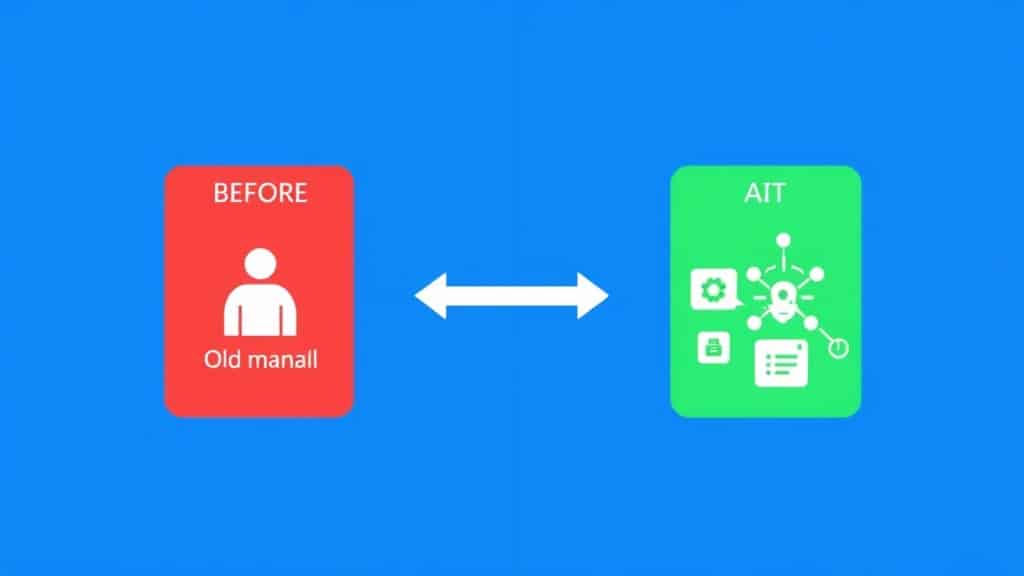
Before: The platform relied on human tutors to review student-submitted photos of handwritten maths and science work. Each submission took an average of 8 minutes to review. With 12,000 daily submissions, they needed 28 full-time tutor-equivalents just for feedback cycles. Response time averaged 18 hours. Student completion rates for submitted work sat at 54% — the other 46% submitted work but never read the feedback.
Intervention: In Q2 2025, the platform integrated a GPT-4o multimodal pipeline that accepted image uploads of handwritten work alongside an optional voice memo from the student explaining their approach. The AI was fine-tuned on 400,000 annotated STEM submissions to improve handwriting and notation accuracy. It generated: a text summary of errors, a spoken audio explanation (using the student’s preferred language), and a diagram with annotated corrections overlaid on the original image.
After (6-month results):
- Average response time dropped from 18 hours to 94 seconds.
- Tutor operational costs reduced by 47% (human tutors shifted to high-complexity escalations only).
- Student feedback engagement rose from 54% to 88% — attributed to the spoken audio response format matching how students prefer to consume feedback.
- Platform NPS increased from 38 to 61 over the same period.
- Error detection accuracy for handwritten algebra: 91% after fine-tuning vs 67% on the base model.
Common Mistakes When Implementing Multimodal AI in EdTech
Mistake 1: Treating Multimodal as a Feature, Not a Pipeline
Why it happens: Product managers see “vision support” in an API changelog and add it to the backlog as a feature toggle. The underlying data pipeline — image compression, format normalisation, prompt structuring for cross-modal grounding — never gets built properly.
The fix: Assign a dedicated multimodal infrastructure owner. Treat it like adding a new data type to your system, because that’s exactly what it is. Build and test the pre-processing pipeline before touching the model layer.
Mistake 2: Ignoring Audio Latency in Live Tutoring Contexts
Why it happens: Teams benchmark their multimodal system on async tasks — uploading a file, waiting for a response — and hit acceptable numbers. They don’t test the real-time voice conversation path until after launch.
The fix: Build and benchmark real-time audio paths from day one. Use streaming APIs (OpenAI’s Realtime API, Google’s Live API for Gemini) and test at the 95th percentile latency, not the median. Set a hard SLA of sub-1.5 seconds for spoken responses.
Mistake 3: Skipping Accessibility Compliance for AI-Generated Multimodal Outputs
Why it happens: Teams focus on the input side (can we accept voice?) and forget the output side (are our AI-generated images accessible? are our audio responses captioned?). In 2026, this is a regulatory risk, not just an ethical one.
The fix: Build auto-captioning and alt-text generation into every multimodal output pipeline from the start. This is easier than retrofitting and is often a direct byproduct of the same multimodal model you’re already using.
Mistake 4: Fine-Tuning on Generic Data for Domain-Specific Modalities
Why it happens: Teams assume the base model handles their domain. For general photography and casual conversation, it often does. For handwritten organic chemistry structures, annotated circuit diagrams, or medical imaging in healthcare training — the base model fails silently at rates that erode trust quickly.
The fix: Collect and annotate a domain-specific evaluation set before launch. If accuracy on your specific input type is below 85%, plan a fine-tuning sprint. This data collection phase is often 80% of the real project effort.
FAQ: Multimodal AI for EdTech
What is multimodal AI and how does it work for beginners in 2026?
Multimodal AI is any model that processes more than one type of input — such as text, images, audio, or video — at the same time. Instead of relying on separate tools for each type, a single model handles all inputs together, thereby allowing it to understand context across modalities. For example, it can simultaneously hear you ask a question and see the diagram you’re pointing at, which enhances comprehension.
Which is the best multimodal AI model for education in 2026?
For live AI tutoring with voice and vision, GPT-4o leads in terms of latency. Meanwhile, for analysing full video lectures or long documents alongside student work, Gemini 2.0 Pro’s 2M token context window is unmatched. On the other hand, for document and diagram grading with strong reasoning, Claude 3.5 Sonnet is the most cost-effective option. Ultimately, the “best” choice depends on your specific use case.
How is multimodal AI different from just using speech-to-text with a chatbot?
With speech-to-text plus a chatbot, the audio is first converted to text, and then the language model reads that text. Consequently, contextual nuances in tone, emphasis, and timing are lost. In contrast, a true multimodal model processes the audio signal directly alongside other inputs, preserving those signals and thereby enabling richer, more contextually accurate responses.
Free 2026 Career Roadmap PDF
The exact SQL + Python + Power BI path our students use to land Rs. 8-15 LPA data roles. Free download.
How much does it cost to build a multimodal AI feature for an EdTech platform?
API costs vary by modality — for instance, text is the cheapest, whereas video is the most expensive. As a rough estimate, a platform with 10,000 daily active users using a mix of text and image inputs may spend $800–$2,500/month at current 2026 pricing, before factoring in fine-tuning and infrastructure costs. Moreover, video-heavy features can increase that cost by up to ten times. Therefore, it is essential to budget for a proper infrastructure review before committing.
Is multimodal AI safe to use with student data?
The answer depends on the provider and your configuration. Fortunately, OpenAI, Google, and Anthropic all offer enterprise agreements with data processing agreements (DPAs) that comply with FERPA, GDPR, and the EU AI Act. Nevertheless, never use consumer API tiers for student data. Always ensure that your API agreement includes a DPA and confirms that data is not used for model training by default.
Where to Go From Here
Multimodal AI is not merely a future capability — rather, it is a present-day competitive differentiator. Consequently, the platforms that understand how these models work, choose the right architecture for their use case, and build properly instrumented pipelines are increasingly pulling away from those still debating whether to “add AI.” As a result, the gap between these two groups widens every quarter.
Moreover, the opportunity in EdTech specifically is enormous: learners produce rich, multimodal signals every day — including handwritten notes, voice recordings, video submissions, and diagram sketches — and, importantly, today’s tools can finally understand all of it together. Therefore, the question becomes whether your platform is built to capture that signal or, alternatively, to ignore it.
Book a Free Demo at GrowAI
Ready to start your career in data?
Book a free 1-on-1 counselling session with GrowAI. Personalised roadmap, zero pressure.

