

LangGraph: The Framework That Finally Makes AI Agents Controllable
At 2:47am, a developer in Hyderabad watched their AI agent loop for the 23rd iteration. It kept asking itself follow-up questions, generating longer and longer context, until it hit the token limit and crashed. The error log said “maximum context exceeded.” The agent had been trying to answer a simple student question about Python decorators.
That developer was using AutoGPT-style chains. They switched to LangGraph the next week. It fixed the problem — not by making the agent smarter, but by giving the developer control over when the loop should stop.
That’s the core insight of LangGraph: it doesn’t make agents more autonomous. It makes them more controllable. In a world where production reliability matters, that’s exactly what you need.
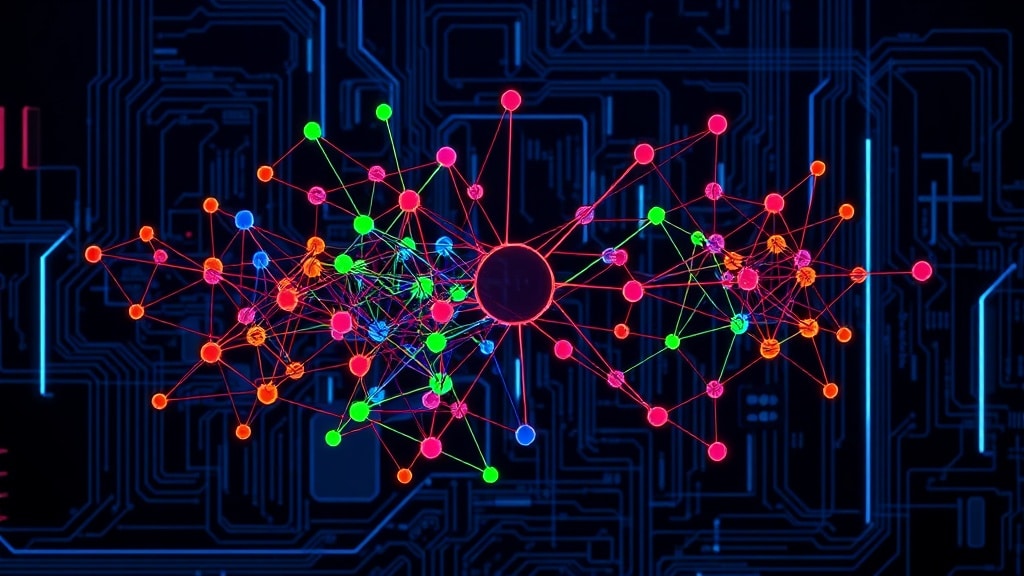
- LangGraph models your agent as a graph where nodes are functions and edges control flow between them.
- Unlike LangChain chains (linear), LangGraph supports cycles — agents can loop, retry, and backtrack.
- State is a typed Python dict shared across all nodes, making debugging actually possible.
- The ‘interrupt_before’ feature lets you pause the agent for human review before any step.
- Used in production at Replit, LinkedIn, and dozens of AI-first startups in 2026.
Why LangChain Chains Weren’t Enough
LangChain’s LCEL (LangChain Expression Language) chains are excellent for linear workflows: prompt → LLM → parser → next step. They’re fast to build and easy to understand. But agents aren’t linear. Real-world agent behavior looks more like:
Think → Search → Read result → Decide if enough info → If not: search again with different query → If yes: answer
That “decide if enough info” step is a conditional edge. That “search again” is a cycle. LangChain chains can’t natively represent cycles — and without cycles, you can’t build agents that actually reason through problems iteratively.
LangGraph was built by the LangChain team specifically to solve this. It brings the graph model from distributed systems into agent design: nodes are functions, edges are transitions, and the whole thing can loop as many times as needed.
| Feature | LangGraph | LangChain LCEL | Plain prompting |
|---|---|---|---|
| Cyclic flows (loops) | Native support | No | Manual |
| Shared state | Built-in typed state dict | Manual passing | Context window only |
| Human-in-the-loop | First-class (interrupt_before/after) | Manual | No |
| Conditional branching | Native (conditional edges) | Basic | In prompt logic |
| Streaming | Native | Yes | Depends on LLM |
| Checkpointing/persistence | Built-in with MemorySaver | No | No |
| Debugging | Full trace + state inspection | Limited | Hard |
Building Your First LangGraph Agent (Step by Step)
Don’t let the graph terminology intimidate you. Here’s the mental model: you’re writing Python functions (nodes) and specifying when each one should run (edges). That’s it.
- Install:
pip install langgraph langchain-openai - Define your state — a TypedDict with every field your agent needs across its run: messages list, retrieved context, current task, iteration count. Every node reads from and writes to this dict.
- Write your nodes — plain Python functions. Each takes the current state, does something (calls LLM, searches, calculates), and returns a dict of updated fields. No magic, no decorators required.
- Create the graph:
graph = StateGraph(YourState), then add nodes and define edges. Conditional edges take a function that returns the next node name based on current state. - Compile and run:
app = graph.compile()thenresult = app.invoke(initial_state). For streaming:app.stream() - Add persistence: Pass a checkpointer (
MemorySaver()) tocompile()to maintain state across multiple invocations. This is what makes multi-turn conversations work.
Always add a max_iterations field to your state and a terminal condition checking it. Infinite loops are a real failure mode — prevent them by design, not by hoping the agent stops.
Free 2026 Career Roadmap PDF
The exact SQL + Python + Power BI path our students use to land Rs. 8-15 LPA data roles. Free download.
Real EdTech Applications
Adaptive tutoring loop: A 3-node graph — present_concept, assess_understanding, provide_feedback — with a conditional edge that loops back to present_concept if the student’s answer shows a gap. The loop terminates when the assessment node returns “mastered” or the iteration count hits 5.
Curriculum planner: Reads student goals and current skill assessment, queries a skills database, identifies gaps, retrieves course materials, and generates a 12-week plan. Each step updates shared state so later nodes have full context from earlier ones.
Multi-step essay reviewer: Reads essay → checks structure → evaluates argument → checks citations → generates rubric-aligned feedback. Each step adds to a running review object in state. The final node synthesizes everything into a student-facing report.
Case Study: 45% Drop in Course Abandonment
An online data science certification platform had a painful problem: 67% of students abandoned the course during Module 3 (SQL joins — notoriously confusing). The existing “help” was a static FAQ page that nobody read.
They built a 4-node LangGraph tutoring agent: detect_confusion (monitors re-watches and quiz attempts), diagnose_gap (identifies the specific misunderstanding), generate_intervention (creates a custom explanation or analogy), and evaluate_outcome (checks if the next quiz attempt succeeds). The conditional edge between evaluate_outcome and detect_confusion creates the retry loop.
Before: 67% Module 3 abandonment rate. Students got stuck and left.
After: 37% abandonment rate — a 45% relative reduction. The agent ran 18,000 intervention cycles in the first month. Average student needed 2.3 loops before understanding clicked. NPS for the course went from 31 to 58.
Three Mistakes to Avoid
- No loop termination condition. The developer story at the top of this post is a real pattern. Always track iteration count in state and add a guard: if iterations > max_iterations, route to a graceful fallback node.
- Skipping streaming for user-facing agents. If a user is watching a chat interface wait 8 seconds for a response, they think it’s broken. Implement
app.stream()with server-sent events from day one. The difference in perceived quality is enormous. - Not using LangSmith for tracing. When an agent produces a bad output, you need to know which node was responsible and what the state looked like at that point. LangSmith gives you full trace visibility. It’s free for development use. Set it up before you write a single node.
FAQ
Do I need to know LangChain before learning LangGraph?
Python experience and basic LLM API familiarity is enough. LangChain knowledge helps but isn’t required — LangGraph has its own clear abstractions.
Is LangGraph free?
Yes — open source under MIT license. LangSmith (monitoring) has a free tier for development.
How does LangGraph compare to CrewAI?
CrewAI is higher-level and faster to prototype with. LangGraph gives you more control and is more suitable for production. CrewAI for quick demos; LangGraph for systems that need to be reliable.
Can I run LangGraph agents locally with Ollama?
Yes. Swap out the OpenAI LLM for a local Ollama model — the graph structure stays identical. Great for development to avoid API costs.
Final Thought
The most important thing LangGraph taught me is that agent design is really graph design. When you draw out your agent as a graph on a whiteboard — nodes, edges, what state flows between them — the implementation becomes straightforward. Start with the graph. Code follows.
Build production AI agents the right way — join GrowAI
Live mentorship • Real projects • Placement support
Ready to start your career in data?
Book a free 1-on-1 counselling session with GrowAI. Personalised roadmap, zero pressure.

