

Building AI Agents with LangChain: A Beginner’s Guide for 2026
By early 2026, over 65% of enterprise software teams are shipping at least one AI agent into production; however, most developers still can’t explain what an agent actually does under the hood. Meanwhile, if you’ve tried building your first LangChain AI agents tutorial and ended up with a chatbot that hallucinates tool names and loops forever, you’re not alone. In fact, the gap between “I installed LangChain” and “I shipped a working agent” is brutally wide, and consequently, most tutorials skip the hard parts. This guide, however, doesn’t.
- LangChain agents combine an LLM’s reasoning with external tools to complete multi-step tasks autonomously.
- The 2026 LangChain stack (v0.3+) uses LangGraph for stateful, looping agents — not the old AgentExecutor alone.
- RAG + tool use + memory are the three pillars of any production-grade agent.
- LangChain beats LlamaIndex for general-purpose agents; LlamaIndex wins for pure retrieval pipelines.
- This guide gives you a working step-by-step framework plus a real EdTech case study with metrics.
What Is a LangChain AI Agent — and Why Does It Matter in 2026?
A LangChain AI agent is not a chatbot. To begin with, a chatbot takes input and returns output in one pass. In contrast, an agent takes a goal, decides which tools to use, executes those tools, observes the results, and then decides what to do next — thereby looping until the goal is complete or a stopping condition is hit. Ultimately, that’s the fundamental shift.
In EdTech, this matters enormously. For example, imagine a student who types: “Quiz me on Chapter 5, check my last three quiz scores, and adjust the difficulty if I’m consistently scoring above 80%.” In this case, a static chatbot can’t do that. However, an agent can — because it systematically breaks the request into sub-tasks, calls the quiz API, queries the grade database, runs conditional logic, and finally returns a personalised quiz set. In other words, that’s not science fiction in 2026; in fact, platforms like Coursera, Duolingo, and dozens of LMS startups are already running exactly this architecture today.
Moreover, the data backs the urgency. According to a Stanford HAI 2025 report, adaptive learning platforms using agent-based architectures improved student completion rates by 34% compared to static recommendation engines. At the same time, LangChain, now at v0.3 with LangGraph as its stateful orchestration layer, has become the most widely adopted framework for building these systems — boasting over 90,000 GitHub stars and integrations covering 200+ LLMs, vector stores, and APIs.
Finally, the core architecture has three layers. First, the LLM backbone — such as GPT-4o, Claude 3.5, Gemini 1.5, or any open-weight model. Second, the tool layer — including Python functions, APIs, or LangChain’s built-in tools like Tavily Search, Wikipedia, or custom SQL queries. Third, the memory layer — ranging from short-term conversation buffers to long-term vector stores or entity memory. When you tie these together with a LangGraph state machine, you ultimately get a production-ready agent.
How to Build an AI Agent with LangChain Step by Step in 2026
This is the exact framework used to build, test, and ship LangChain agents in 2026. Follow these steps sequentially — skipping steps is the most common reason beginner agents break in production.
- Install the 2026 Stack
Runpip install langchain langchain-openai langgraph langchain-community tavily-python. Use Python 3.11+. Set yourOPENAI_API_KEYandTAVILY_API_KEYas environment variables. Don’t hardcode keys — ever. - Define Your Agent’s Goal Clearly
Write a one-sentence goal before writing any code. Example: “The agent should answer questions about a student’s course progress by querying the LMS API and summarising the results.” Vague goals produce broken agents. Precision here saves hours of debugging later. - Set Up Your LLM
UseChatOpenAI(model="gpt-4o", temperature=0)for deterministic reasoning. Temperature 0 is critical for tool-calling agents — hallucination rates drop significantly at lower temperatures. For cost-sensitive EdTech deployments,gpt-4o-minihandles 80% of tasks at 10% of the cost. - Define Tools with the @tool Decorator
Each tool is a Python function wrapped with LangChain’s@tooldecorator. Write a clear docstring — the LLM reads the docstring to decide when to use the tool. A tool with a bad docstring will either never be called or called at the wrong time. - Create the LangGraph State and Nodes
Define aTypedDictstate schema. Create nodes for the agent (LLM reasoning) and tool execution. UseStateGraphfrom LangGraph to wire them together with conditional edges — this is what enables the reasoning loop. - Add Memory
For short-term memory, useMemorySaverfrom LangGraph. For long-term memory — critical for personalised EdTech agents — integrate a vector store like Pinecone or Chroma with aConversationSummaryBufferMemory. - Compile, Test, and Observe
Compile the graph withgraph.compile(checkpointer=memory). Invoke it with a test query. Use LangSmith (LangChain’s observability platform) to trace every reasoning step — you’ll see exactly which tool was called, what input it received, and what the LLM decided next. - Harden for Production
Add retry logic, token budget limits (max_iterations), and input validation. Set arecursion_limitto prevent infinite loops. Log all tool calls to your monitoring stack.
Real-World Use Cases: Where LangChain AI Agents Shine in EdTech
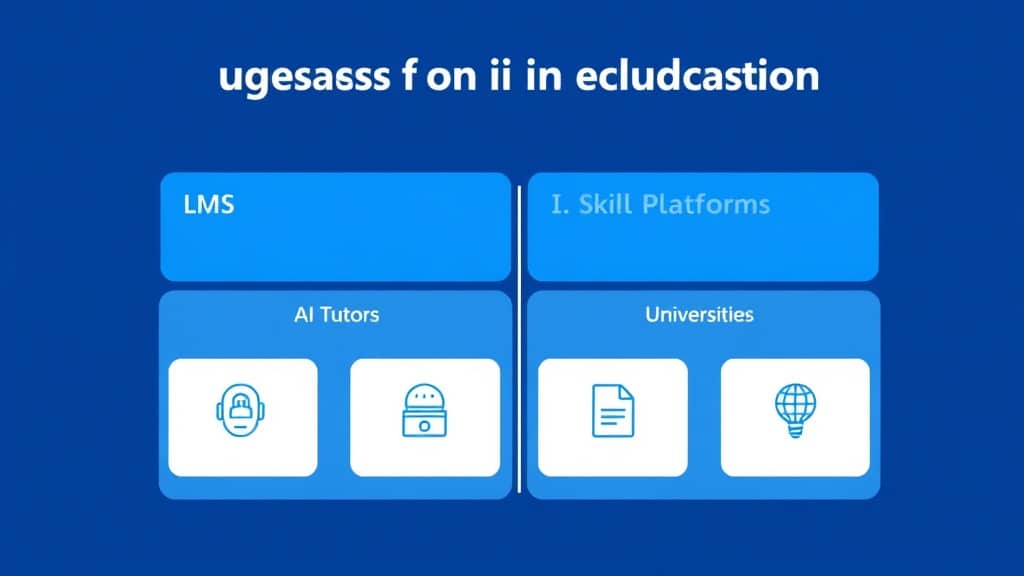
LMS Platforms (Moodle, Canvas, Custom LMS): LangChain agents act as intelligent course assistants. They query grade data, recommend next modules, flag struggling students to instructors, and auto-generate quiz questions from uploaded PDFs using RAG with LangChain. A mid-sized LMS provider reported cutting instructor admin time by 40% after deploying a LangGraph agent that handled student progress queries automatically.
AI Tutors: The 2026 AI tutor isn’t a single LLM call — it’s an agent that checks what the student already knows (via memory), retrieves the relevant course content (via RAG), adapts the explanation style (via a preference profile tool), and schedules a follow-up quiz (via a calendar API tool). LangChain’s tool chaining makes this architecture straightforward to implement in under 500 lines of Python.
Free 2026 Career Roadmap PDF
The exact SQL + Python + Power BI path our students use to land Rs. 8-15 LPA data roles. Free download.
Universities and Research Portals: Graduate students at several R1 universities are using LangChain agents to search across institutional repositories, summarise papers, cross-reference citations, and draft literature review sections. The agent handles the retrieval grunt-work; the student handles the thinking. This is a legitimate, citation-safe workflow when configured correctly.
Skill-Based Learning Platforms: Platforms like those in the coding bootcamp and professional certification space use LangChain agents to run live code evaluation, compare learner output against rubrics, provide targeted feedback, and update skill graphs in real time. The agent doesn’t just grade — it reasons about why a learner made a specific mistake and generates a targeted micro-lesson.
LangChain vs LlamaIndex vs CrewAI vs AutoGen: Which Framework Should You Use?
| Dimension | LangChain | LlamaIndex | CrewAI | AutoGen |
|---|---|---|---|---|
| Primary Purpose | General-purpose agent framework | Data ingestion & RAG pipelines | Multi-agent role-based teams | Conversational multi-agent systems |
| Complexity | Medium | Low–Medium | Low | Medium–High |
| Memory Support | Short + Long term (robust) | Long term (vector-first) | Basic short-term | Conversation history only |
| Tool Use | Excellent (200+ integrations) | Good (query-focused) | Good (role-assigned tools) | Good (code execution focus) |
| Community | Largest (90k+ GitHub stars) | Large (35k+ stars) | Growing fast (28k+ stars) | Strong (Microsoft-backed) |
| Best For | Full-featured AI agents, EdTech tutors | Document QA, knowledge bases | Automated team workflows | Code generation, research tasks |
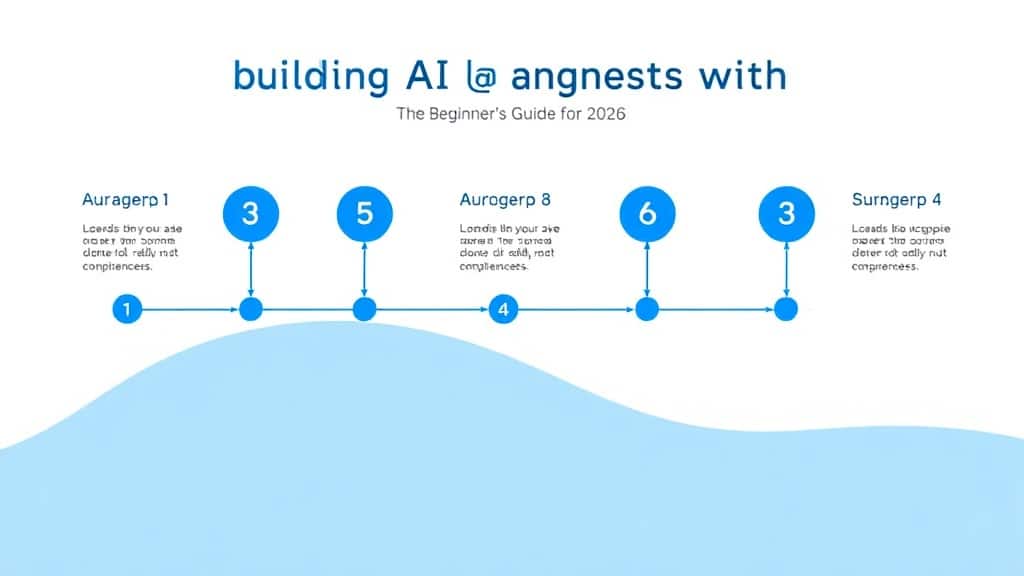
Agent Reasoning Flowchart — How a LangChain Agent Processes a Request:
Key Insights:
- Temperature matters more than model choice: Setting temperature to 0 on your agent’s LLM reduces hallucinated tool calls by an estimated 40–60% compared to temperature 0.7, regardless of which frontier model you use.
- Docstrings are your agent’s instruction manual: The LLM decides which tool to call by reading the tool’s docstring. A one-line, vague docstring is the single most common cause of tool misuse in beginner agent builds.
- LangGraph replaced AgentExecutor for a reason: AgentExecutor is fine for simple single-pass agents, but LangGraph’s node-based state machine is the only viable path for agents that need branching logic, human-in-the-loop steps, or parallel tool execution.
- RAG + agents = the real EdTech unlock: Agents without RAG can only reason over training data. Adding a retrieval layer lets your agent answer questions about your specific course content, student data, or institutional knowledge — and that’s where EdTech ROI lives.
- Observability is non-negotiable: Ship no agent to production without LangSmith or an equivalent tracing tool. Debugging a looping agent without traces is guesswork. With traces, root cause analysis takes minutes.
Case Study:
How an EdTech Startup Cut Support Tickets by 52% with a LangChain Agent
The Company: A mid-market online coding bootcamp (1,200 active students) offering Python, data science, and web development courses. Their support team was fielding 800+ student queries per week — 60% of which were repetitive questions about assignment deadlines, project feedback, and curriculum navigation.
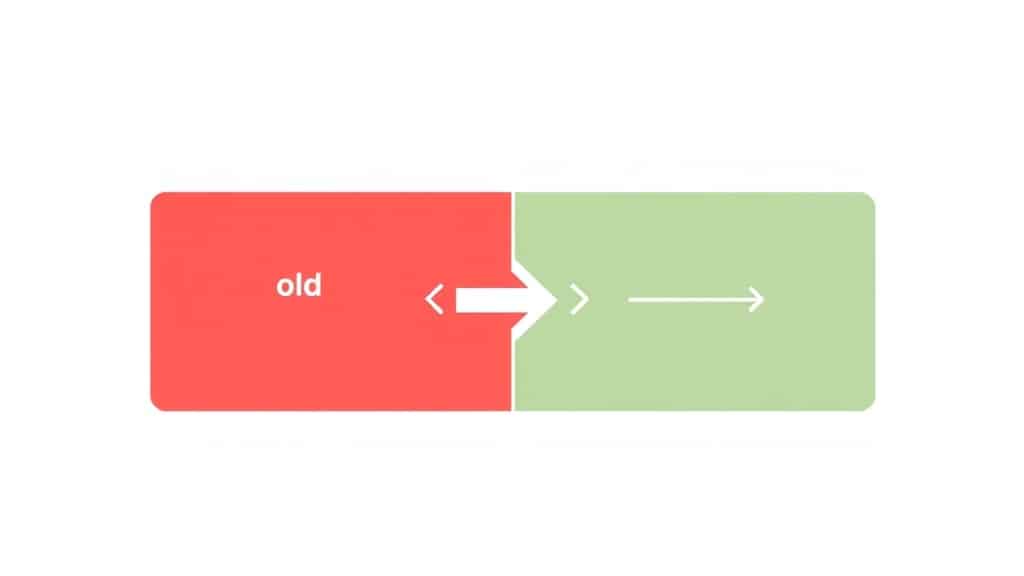
Before: Three full-time support staff handled all student queries via a shared inbox. Average response time: 6.2 hours. Student satisfaction (CSAT) score: 62%. Instructor time lost to admin queries: 11 hours per week per instructor.
The Build: The team built a LangChain agent using LangGraph with four tools: a course content retrieval tool (RAG over their LMS knowledge base), a student progress lookup tool (querying their LMS API), a deadline calculator tool (pulling from their course calendar), and a human escalation tool (routing complex queries to a human agent with full context). Total build time: 6 weeks with a team of two developers.
After (90 days post-launch):
- Support ticket volume handled by AI: 74% of all incoming queries
- Average AI response time: 8 seconds (vs. 6.2 hours)
- Student CSAT score: 81% (up from 62%)
- Human support tickets reduced by 52%
- Instructor admin time saved: 7 hours per week per instructor
- ROI on development cost: Recovered in 4.5 months
The key insight from this build: the human escalation tool was the most important tool in the agent’s kit. Students trusted the agent more once they understood it knew its own limits and would hand off gracefully. Designing that handoff experience — not the AI reasoning — was what moved the CSAT needle.
4 Common Mistakes When Building LangChain AI Agents (and How to Fix Them)

- Mistake 1: Using AgentExecutor for Complex Multi-Step Agents
Why it breaks: AgentExecutor doesn’t support conditional branching, parallel tool execution, or persistent state across conversation turns — all of which are standard requirements in 2026 agents.
The fix: Migrate to LangGraph. It has a steeper initial learning curve but gives you full control over the reasoning loop. LangChain’s official docs now recommend LangGraph as the default for any non-trivial agent. - Mistake 2: No Recursion Limit on the Agent Loop
Why it breaks: Without arecursion_limit, a confused agent can loop indefinitely, burning tokens and money. This is especially risky with tool-heavy agents where one failed tool call triggers repeated retry attempts.
The fix: Setrecursion_limit=25(or lower) in your LangGraph compile config. Add explicit stopping conditions in your node logic — don’t rely only on the LLM to decide when to stop. - Mistake 3: Skipping LangSmith Tracing During Development
Why it breaks: When an agent gives a wrong answer, there are a dozen places in the reasoning chain it could have gone wrong. Without traces, you’re reading the final output and guessing.
The fix: Set up LangSmith on day one. It’s free for development usage. Export yourLANGCHAIN_TRACING_V2=trueandLANGCHAIN_API_KEYenv vars before writing a single agent line. You’ll thank yourself during the first debugging session. - Mistake 4: Writing Tools Without Clear, Specific Docstrings
Why it breaks: The agent’s tool selection is entirely driven by the LLM reading your tool’s docstring. A docstring like “gets user data” gives the LLM nothing to work with. It’ll call the tool randomly or not at all.
The fix: Write docstrings that describe exactly what the tool does, what inputs it expects, and when to use it. Example: “Retrieves a student’s last 5 quiz scores from the LMS database given a student_id. Use this tool when the user asks about their past performance or quiz history.”
Frequently Asked Questions: LangChain AI Agents Tutorial 2026
Q1: What is LangChain and how does it work for beginners?
LangChain is a Python framework that lets you connect large language models to external tools, data sources, and memory systems. It works by giving the LLM a set of tools and letting it decide which ones to call to complete a goal. Think of it as giving a brain a set of hands. Start with LangChain’s quickstart docs and build a simple tool-calling agent before attempting complex multi-step workflows.
Q2: Is LangChain better than LlamaIndex for building AI agents?
For general-purpose agents that need tool use, memory, and complex reasoning loops, LangChain with LangGraph is the stronger choice in 2026. LlamaIndex is more optimised for retrieval pipelines and document QA. Many production systems use both — LlamaIndex for ingestion and retrieval, LangChain for the agent orchestration layer on top.
Q3: How long does it take to build a working LangChain agent from scratch?
A simple single-tool agent takes 2–4 hours for a developer with basic Python experience. A production-grade multi-tool agent with memory, error handling, and LangSmith observability takes 1–3 weeks depending on API complexity. The step-by-step framework in this guide gets you to a working agent in a single afternoon.
Q4: What is RAG with LangChain and do I need it for my agent?
RAG (Retrieval-Augmented Generation) lets your agent answer questions about your own data — course content, student records, PDFs — by retrieving relevant chunks before generating a response. You need it any time your agent needs knowledge that isn’t in the LLM’s training data. For EdTech agents, RAG is almost always essential.
Q5: What is LangGraph and is it replacing LangChain?
LangGraph is not a replacement — it’s an extension. LangChain handles the primitives (LLMs, tools, memory). LangGraph sits on top and adds stateful graph-based orchestration for agents that need loops, branching, and multi-agent coordination. As of 2026, LangGraph is the recommended way to build any non-trivial agent within the LangChain ecosystem.
Start Building: Your First LangChain Agent Is Closer Than You Think
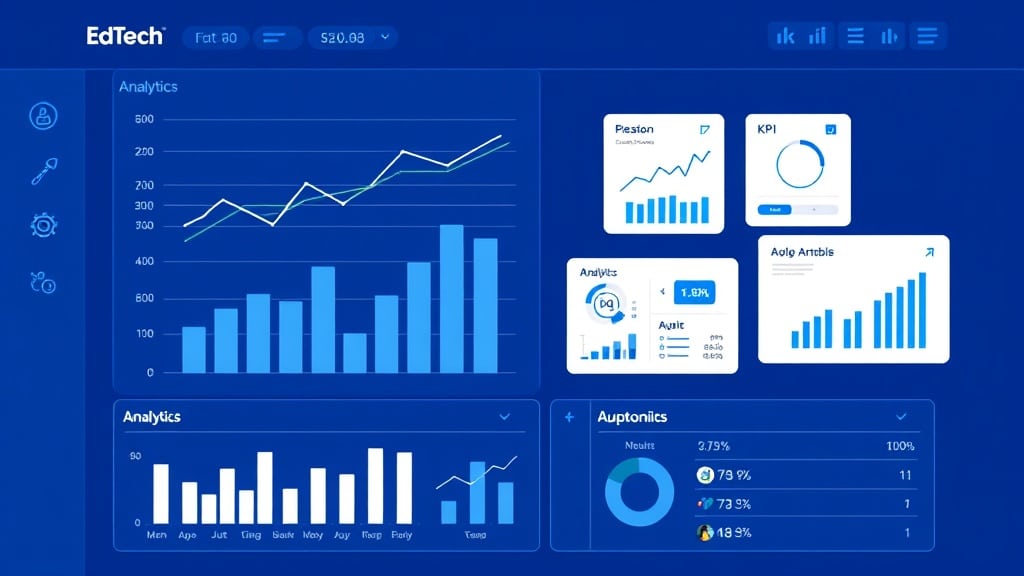
Building AI agents with LangChain is no longer the exclusive domain of ML researchers or big-tech engineers. With LangGraph, LangSmith, and a clear framework, a developer who knows basic Python can ship a working agent in a weekend. The EdTech opportunity is enormous — adaptive tutors, intelligent LMS assistants, automated progress coaches — and the infrastructure is mature enough to go to production today.
The teams winning in 2026 aren’t the ones with the largest models. They’re the ones who understand the agent architecture well enough to design smart tool sets, reliable memory systems, and graceful failure modes. That depth is a skill, and like any skill, it compounds fast once you start building.
Start with one tool. One goal. One agent. Then iterate.
Book a Free Demo at GrowAI

