

No-Code and Low-Code Platforms: The Fastest Way to Build Apps in 2026
By 2026, over 70% of new business applications will be built using no-code or low-code platforms — that’s not a prediction anymore, it’s happening right now. If you’re a founder, educator, or product manager still waiting for a developer to build your MVP, you’re burning runway and losing ground to competitors who launched six months ago. The no-code low-code 2026 landscape is no longer a workaround — it’s the primary build path for lean, fast-moving teams. Gartner pegs the low-code development market at $26.9 billion globally in 2026, up from $13.8 billion in 2023. The question isn’t whether you should use these platforms — it’s which one fits your project and how fast you can ship.
- No-code and low-code platforms let non-technical founders and developers alike ship apps in days, not months.
- In 2026, top platforms include Bubble, Webflow, Glide, Retool, and AppGyver — each built for different use cases.
- Choosing the right tool depends on your app type, scalability needs, and how much logic you need to automate.
- No-code doesn’t mean no limits — knowing when to switch to custom code is a critical skill for scaling teams.
- EdTech companies are among the fastest adopters, using no-code to launch LMS platforms and student apps without engineering teams.
What No-Code and Low-Code Actually Mean in 2026
The terms get used interchangeably, but the distinction matters when you’re picking a platform. No-code means zero programming knowledge required — you drag, drop, connect, and publish. Low-code means the platform handles the heavy infrastructure, but you can inject logic, custom scripts, or API calls when the visual builder hits its limits.
Here’s the EdTech angle: platforms like Teachable, Thinkific, and newer entrants like LearnWorlds were built on low-code philosophies from the ground up. But more importantly, independent educators and training companies are now using Bubble and Glide to build custom LMS platforms — ones with branded portals, adaptive quizzes, and cohort dashboards — without hiring a single developer. A 2025 survey by Forrester found that citizen developers (non-technical employees building apps) saved their organizations an average of $4.6 million annually in development costs. That number climbs when you factor in EdTech, where speed-to-market for a new course or certification platform is a direct revenue lever.
No-code tools have also crossed the complexity threshold. In 2022, you couldn’t build a multi-tenant SaaS app without code. In 2026, Bubble supports role-based access control, complex relational databases, and Stripe-connected subscription flows — all visually. The ceiling has moved dramatically.
Free 2026 Career Roadmap PDF
The exact SQL + Python + Power BI path our students use to land Rs. 8-15 LPA data roles. Free download.
How to Pick and Build with No-Code in 2026: A 6-Step Framework
- Define your app requirements before opening any platform. Write down: Who uses this? What are the 3 core actions they take? Do you need user accounts, payments, or third-party data? This 30-minute exercise eliminates 80% of bad platform choices. A student progress tracker has completely different requirements than a marketplace for freelance tutors.
- Match your app type to the right platform category. Web apps with complex logic → Bubble. Marketing sites and content-heavy portals → Webflow. Internal dashboards pulling from databases → Retool. Mobile-first apps from spreadsheets → Glide. Enterprise-grade mobile apps → AppGyver (SAP Build Apps). Forcing the wrong tool adds weeks of workarounds.
- Build the UI first, data second. Every experienced no-code builder knows this: design your screens and user flows before connecting any data. It forces clarity on what data you actually need and prevents the trap of building a database you’ll rebuild three times.
- Connect your data source with clean field naming. Whether you’re using Bubble’s built-in database, Airtable, Supabase, or a REST API — name your fields as if a junior developer will maintain this six months from now. “user_enrollment_date” beats “date2” every single time.
- Add logic and automation last. Conditional visibility, workflows, automated emails, Zapier/Make integrations — these are the final layer. Building logic before your data model is stable is the #1 reason no-code projects spiral out of scope.
- Test with real users before publishing. No-code platforms make it dangerously easy to skip QA. Use at least 5 real users with varied devices and browsers. Check your mobile breakpoints. Verify every workflow trigger fires correctly. Then publish.
No-Code in Action: LMS, AI Tutors, Universities, and Skill Platforms
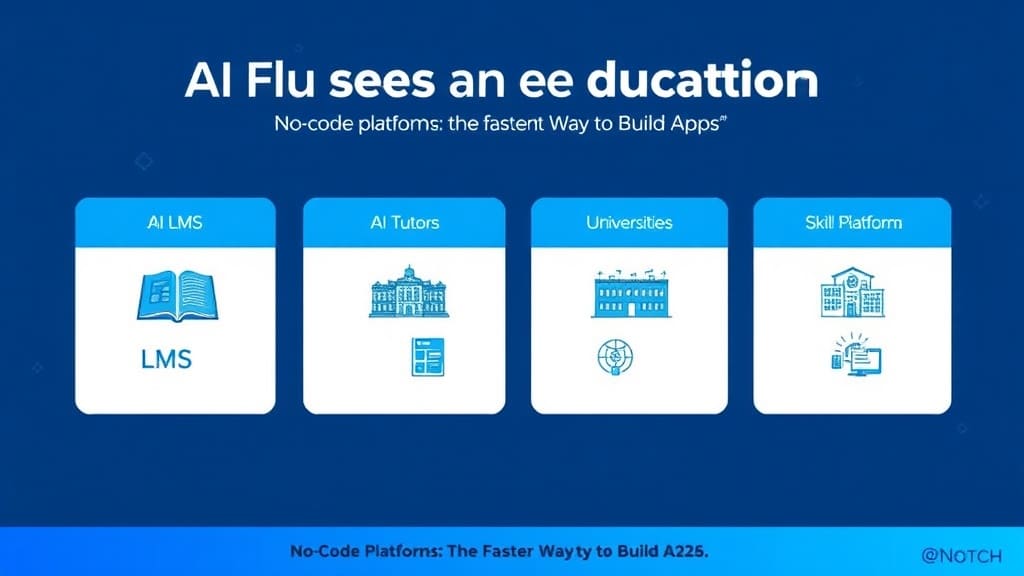
LMS Platforms: Small training businesses are building custom LMS portals on Bubble with course modules, video hosting via Vimeo embeds, progress tracking, and certificate generation — for under $200/month in platform costs. The alternative? A $50,000–$80,000 custom development project. Glide is popular for mobile-first micro-learning apps where learners complete short lessons from their phones.
AI Tutors: With OpenAI’s API now directly integratable into Bubble and Webflow via third-party plugins, EdTech startups are shipping AI-powered tutoring tools without backend engineers. A typical build: Bubble frontend + OpenAI API + Airtable for student data + Stripe for subscriptions. Full MVP in 3–4 weeks.
Universities: Several mid-size universities have used Retool to build internal admin dashboards — tracking enrollment, financial aid status, and faculty scheduling — that replace clunky legacy SIS systems without a multi-year IT project. Retool’s read/write access to PostgreSQL and MySQL makes this a natural fit for institutions that already have structured data.
Skill-Based Platforms: Upskilling platforms targeting specific industries (legal tech, healthcare compliance, finance) are using Webflow + Memberstack + Airtable stacks to deliver gated content, cohort dashboards, and completion certificates. This “Webflow stack” approach is now so common it has its own community of specialists charging premium rates to build and maintain these systems.
Platform Comparison, Flowchart & Key Insights

Bubble vs Webflow vs Glide vs Retool vs AppGyver: 2026 Comparison
| Platform | Best Use Case | Pricing (2026) | Learning Curve | Scalability | Best For | Coding Required? |
|---|---|---|---|---|---|---|
| Bubble | Complex web apps, SaaS MVPs | Free–$349/mo | Steep (2–4 weeks) | High | Founders, EdTech startups | No |
| Webflow | Marketing sites, CMS portals | Free–$212/mo | Moderate (1–2 weeks) | Medium | Designers, content teams | Optional (custom code) |
| Glide | Mobile apps from spreadsheets | Free–$99/mo | Low (days) | Low–Medium | SMBs, internal tools | No |
| Retool | Internal dashboards, admin tools | Free–$10/user/mo | Moderate | High | Dev teams, ops teams | Optional (JS) |
| AppGyver | Enterprise mobile apps | Free (SAP ecosystem) | Steep (weeks) | Very High | Enterprise, SAP users | Optional (advanced) |
Build Flowchart: From Idea to Published App
Key Insights
- Speed is the real moat: No-code teams consistently ship MVPs 4–8x faster than traditional development teams — and in 2026, speed-to-feedback is the only competitive advantage that matters for early-stage products.
- Bubble owns the complexity ceiling: Among no-code platforms, Bubble handles the widest range of app complexity — from simple directories to multi-sided marketplaces — without requiring a single line of code.
- Webflow is not an app builder: It’s a design-to-code platform for websites and content experiences. Using it to build functional web apps requires significant third-party tool stacking (Memberstack, Jetboost, Wized) that adds cost and fragility.
- Retool is the internal tool king: For any company with existing databases needing operational dashboards, Retool cuts build time from months to days — and its 2026 AI-assisted query builder has made it even faster.
- Citizen development 2026 is an HR and IT strategy: Leading enterprises now formally train non-technical employees to build Glide and Retool apps — reducing IT backlogs by 30–50% in documented cases.
- No-code exits are real: Several Bubble-built startups have raised Series A rounds and been acquired — proving that investor and acquirer perception of no-code as “not scalable” has fundamentally shifted.
Case Study: How an EdTech Startup Built a Full LMS in 3 Weeks Using Bubble
Company: A bootstrapped online certification provider in the healthcare compliance training space (anonymized).
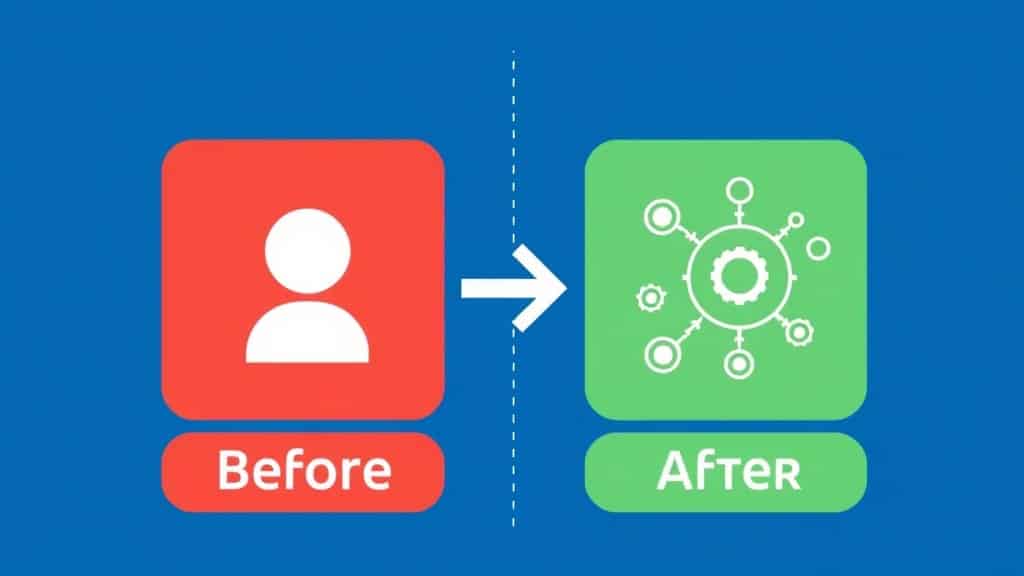
Before: Course content was distributed via Google Drive folders. Student progress was tracked in a shared Google Sheet. Certificates were manually generated in Canva and emailed. One admin was spending 15–20 hours per week on manual operations. The founder had a $60,000 quote from a development agency to build a proper LMS.
After: The founder enrolled in a Bubble bootcamp and built a full LMS in 19 days. The platform included: branded student login portal, course module player with video and quiz integration, automatic progress tracking, PDF certificate generation on course completion, and Stripe-powered course enrollment. Total platform cost: $119/month (Bubble Growth plan + Vimeo + PDF.co API).
Results:
- Admin time dropped from 18 hours/week to under 2 hours/week.
- Student completion rates increased by 34% — attributed to the structured module progression and automated reminder emails.
- Revenue grew 210% in 8 months as the founder reinvested saved admin time into content creation and marketing.
- Total savings vs. custom development: ~$58,000 in year one alone.
4 Common No-Code Mistakes That Waste Time and Money
-
Mistake 1: Choosing a platform based on hype, not fit.
Why it hurts: Spending 3 weeks learning Bubble only to realize your use case was a perfect Glide build wastes time and creates frustration.
Fix: Spend 2 hours watching YouTube demos of your top 3 platform candidates before committing. Match your app type to the platform’s core strength, not its marketing page. -
Mistake 2: Building the data model last.
Why it hurts: UI built on a poorly structured database requires constant rebuilding. Relationships between data types get messy fast — especially in Bubble where data structure changes can break existing workflows.
Fix: Sketch your data model on paper before opening the platform. Define your data types, fields, and relationships first. -
Mistake 3: Over-automating before validating.
Why it hurts: Founders spend weeks building complex automated workflows for problems users don’t actually have yet. Automation built on unvalidated assumptions is automation debt.
Fix: Do the first 50 transactions manually. Automate only what you’ve proven is a real, repeatable bottleneck. -
Mistake 4: Ignoring performance until it’s a crisis.
Why it hurts: No-code apps can get slow with unoptimized database queries and too many API calls on page load. Users leave slow apps — especially on mobile.
Fix: Use Bubble’s built-in debugger and performance tab from day one. Paginate large data lists. Cache API calls where possible. Don’t wait until you have 1,000 users to think about speed.
FAQ: No-Code and Low-Code in 2026
- What is the best no-code platform in 2026 for building a web app?
- Bubble remains the strongest choice for complex web apps in 2026. It handles user authentication, relational databases, payments, and custom logic without code. For simpler marketing-focused sites, Webflow is faster to learn and deploy.
- Can no-code apps scale to thousands of users?
- Yes — with proper architecture. Bubble apps have scaled to hundreds of thousands of users. Performance depends on database query optimization, caching strategy, and choosing the right hosting plan. No-code isn’t a scalability problem; poor architecture is.
- Should I learn no-code or coding in 2026?
- Both have value, but no-code is the faster path to a shipped product for non-technical founders. Learn no-code first to validate your idea. Add coding knowledge when you hit genuine platform limitations — typically at Series A scale or with highly specialized requirements.
- How long does it take to build an app with Bubble?
- A simple app (directory, booking tool, community portal) takes 2–4 weeks for a beginner. A complex multi-feature SaaS app can take 2–3 months. Experienced Bubble developers can build production-ready MVPs in 1–2 weeks.
- What is citizen development and why does it matter in 2026?
- Citizen development means non-technical employees building business apps using no-code tools. In 2026, it’s a formal enterprise strategy — companies train ops, marketing, and HR teams to build Glide and Retool apps, cutting IT backlogs and accelerating internal innovation.
Start Building — The No-Code Window Is Wide Open
The best no-code and low-code platforms to build apps in 2026 aren’t just shortcuts — they’re the primary infrastructure for the next generation of digital products. Bubble handles your complex logic. Webflow owns your front-end design. Retool powers your internal operations. Glide gets your mobile app into users’ hands this week. The stack exists. The communities exist. The case studies exist.
What’s stopping most founders and EdTech builders isn’t knowledge or capital — it’s the inertia of waiting for “perfect” conditions before shipping. The no-code era has removed every technical barrier that used to justify that wait.
Pick your platform, define your requirements, and build your first screen today. The market doesn’t reward the most technically sophisticated product — it rewards the one that ships first, learns fastest, and iterates relentlessly.
Book a Free Demo at GrowAI

