

Vector Databases 2026: Pinecone vs Weaviate vs Qdrant — Complete Developer Guide
Vector Databases in 2026: The Essential Guide for AI Developers
A regular database answers exact questions. “Give me the student whose ID is 4291.” Precise, deterministic, fast.
A vector database answers fuzzy questions. “Give me the course content most relevant to this student’s question about gradient descent.” No exact match — just semantic similarity across millions of documents, in milliseconds.
If you’re building anything with LLMs in 2026 — RAG systems, semantic search, recommendation engines, memory for AI agents — you will eventually need a vector database. This guide cuts through the options and gives you the practical knowledge to choose and use one.
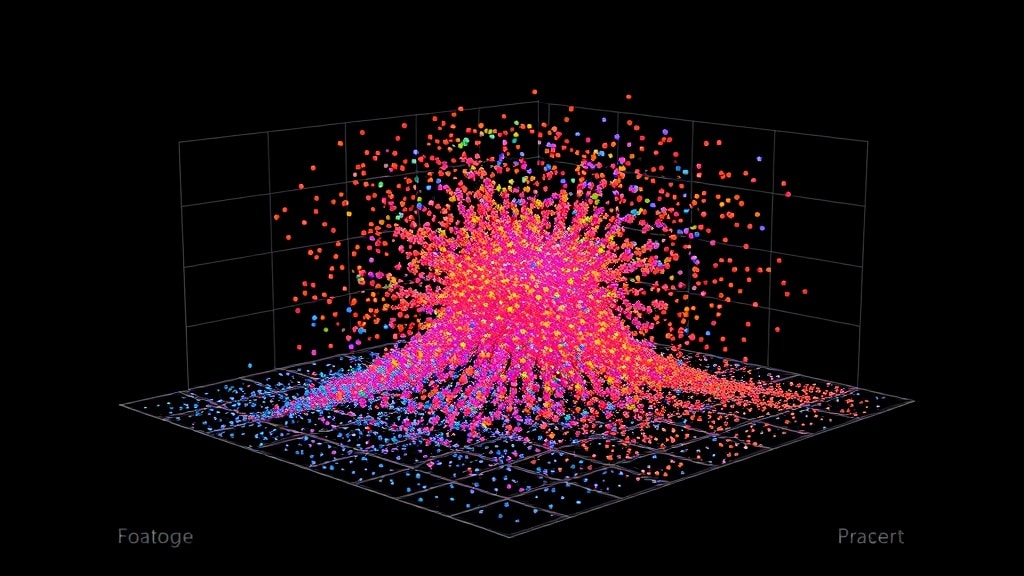
- Vector databases store embedding vectors (numerical representations of meaning) and enable fast similarity search across millions of them.
- Every RAG (Retrieval-Augmented Generation) system needs one — it’s how the AI finds relevant context to include in the prompt.
- The main options in 2026: Pinecone (managed), Qdrant (self-hostable, fastest), Weaviate (GraphQL API), Chroma (local dev), pgvector (if you already use Postgres).
- For most projects: start with Chroma locally, move to Qdrant or Pinecone in production.
- Choosing the wrong chunking strategy matters more than choosing the wrong vector database — get chunking right first.
How Vector Similarity Search Actually Works
When you embed a piece of text — say, a paragraph from a lecture — you run it through an embedding model (like OpenAI’s text-embedding-3-small or the open-source BGE-M3). The model outputs a list of ~1,536 floating-point numbers. That list is the “vector” — a point in high-dimensional space where similar meanings cluster near each other.
“Backpropagation” and “gradient descent” will have vectors that are close together. “Backpropagation” and “morning coffee” will be far apart. The vector database indexes these points and answers queries: “find me the 10 vectors closest to this query vector.”
The search algorithm behind this is called Approximate Nearest Neighbor (ANN) — specifically HNSW (Hierarchical Navigable Small World graphs) in most modern implementations. It trades a tiny bit of recall accuracy for massive speed improvements. At 10M+ vectors, ANN search returns results in <10ms. Exact search at that scale would take seconds.
| Database | Hosting | Price | Speed | Best for | Notable |
|---|---|---|---|---|---|
| Chroma | Local or cloud | Free (self-hosted) | Good for <100K vecs | Development, prototypes | Zero-setup, Python-native |
| Qdrant | Self-host or Qdrant Cloud | Free self-host / ~$25+/mo cloud | Fastest in class | Production self-hosted | Rust backend, payload filtering |
| Pinecone | Fully managed only | Free tier / $70+/mo | Very fast | Serverless production | Easiest managed option |
| Weaviate | Self-host or cloud | Free self-host / pay cloud | Fast | GraphQL queries, multi-modal | Built-in vectorization |
| pgvector | Postgres extension | Free (your Postgres cost) | Good for <1M vecs | Teams already on Postgres | No new infra, SQL interface |
| Milvus | Self-host or Zilliz Cloud | Free self-host | Excellent at scale | Very large scale (100M+ vecs) | Complex setup, high performance |
Choosing the Right One: A Decision Tree
- Building a prototype or learning? Chroma. Install with
pip install chromadb. Works in-memory or persisted to disk. Runs locally with zero infrastructure. Move to something else when you need production reliability. - Already using Postgres and have fewer than 2M vectors? pgvector. Install the extension, add a vector column to your existing table, query with SQL. Dramatically simpler than running a separate vector database. Many EdTech platforms find this is all they ever need.
- Need managed infrastructure without ops overhead? Pinecone. Fully serverless, handles scaling automatically, excellent documentation. The free tier (1M vectors) is genuinely useful for small applications. Downside: all data on Pinecone’s servers, no self-hosting option.
- Need to self-host for compliance or cost? Qdrant. Best combination of performance and operational simplicity in the self-hosted category. Single binary, Docker image available, excellent REST and gRPC APIs. Supports filtering on payload metadata alongside vector search — critical for multi-tenant applications.
- Need multi-modal search (text + images + video)? Weaviate. Built-in vectorization for multiple modalities, GraphQL query interface. More complex to operate but unique capabilities.
The biggest performance lever in a RAG system is not the vector database — it’s the chunking strategy and the embedding model. Get those right before optimizing the database. A good chunking strategy with Chroma beats a poor chunking strategy with Pinecone every time.
Free 2026 Career Roadmap PDF
The exact SQL + Python + Power BI path our students use to land Rs. 8-15 LPA data roles. Free download.
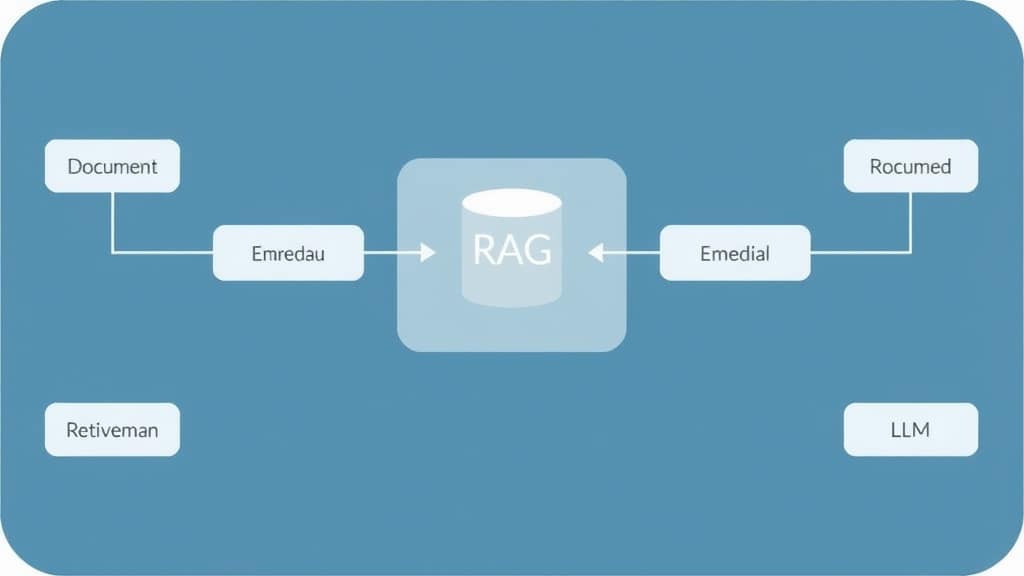
Building a RAG System with Qdrant (Practical Steps)
This is the path from zero to working RAG in under a week:
- Prepare your documents. Gather all course content: video transcripts, lecture notes, PDFs. Convert to plain text. Decide on chunking: for most EdTech content, recursive text splitting with 500-token chunks and 100-token overlap works well as a starting point.
- Generate embeddings. Use
text-embedding-3-small(OpenAI) for best quality/cost balance, orBAAI/bge-small-en-v1.5(open source, runs locally) for zero API cost. Embed each chunk. Store the embedding + the original text + metadata (source document, chapter, topic). - Index in Qdrant. Create a collection with the right vector dimension (1536 for OpenAI, 384 for bge-small). Upsert all chunks in batches. Tag each chunk with metadata payload — you’ll use this for filtered search later (“only search chunks from Module 3”).
- Query at runtime. Embed the user query with the same model used for indexing. Search Qdrant for top-10 similar chunks. Apply filters if relevant (restrict to the student’s enrolled course content). Return top-5 after reranking.
- Add a reranker. Cohere Rerank or BGE Reranker processes the top-10 candidates and reorders them by true relevance (not just vector similarity). This single step typically improves answer quality by 15–25%. Non-negotiable for production RAG.
Case Study: From Hallucinating AI to Trusted Tutor
A data analytics bootcamp’s AI tutor was confidently wrong 34% of the time — citing tools not in the curriculum, referencing wrong module content, and occasionally making up course policies entirely. Students filed complaints; the team considered shutting it down.
Instead, they built RAG: 600 lecture transcripts (transcribed from video with Whisper), 40 project guides, and 200 reference sheets indexed in Qdrant. They used bge-small-en-v1.5 (free, self-hosted) for embeddings, BGE Reranker for reranking, and added a citation requirement to the system prompt.
Result: Hallucination rate: 3% (down from 34%). Student trust in the AI went from negative to 4.1/5. Average session length: 19 minutes (was 4 minutes — nobody wants to keep talking to a tutor who’s wrong). Two human support staff were reassigned from answering course questions to curriculum development. Total RAG implementation time: 11 days.
Common Mistakes
- Fixed-size chunking. Cutting text at 500 characters regardless of content structure splits sentences, concepts, and code examples mid-thought. Use recursive text splitters that respect natural boundaries — paragraph splits, section boundaries, code blocks.
- Not storing metadata. A vector database without metadata is nearly useless for real applications. Store at minimum: source document, section, topic, and creation date. You’ll need all of these for filtered search and for citing sources to users.
- Skipping the reranker. Initial vector search returns the 10 most similar vectors, not the 10 most useful answers. These are different things. A reranker significantly improves final answer quality and is worth the extra API call.
FAQ
Do I need a vector database if I’m using LlamaIndex or LangChain?
LlamaIndex and LangChain provide abstractions over vector databases — you still need an actual database underneath. Both frameworks support Chroma, Qdrant, Pinecone, and others. The framework doesn’t replace the database; it simplifies the code you write to use it.
How many vectors can my system handle?
Qdrant handles 100M+ vectors on a single node. Pinecone scales to billions. For reference: indexing all of Wikipedia (20M chunks at 500 tokens each) requires about 20M vectors. Most EdTech platforms are in the 1K–10M range.
What’s the difference between vector search and keyword search?
Keyword search finds exact word matches. Vector search finds semantic matches. “How does gradient descent converge?” would match “learning rate affects optimization speed” with vector search but not keyword search. Production search systems often combine both — this is called hybrid search, and Qdrant, Weaviate, and Pinecone all support it.
Should I embed with OpenAI or use an open-source model?
OpenAI’s text-embedding-3-small is excellent and cheap ($0.02/M tokens). For privacy or cost reasons, BAAI/bge-m3 (open source, self-hosted) is competitive on most tasks and costs nothing to run at scale. Always test both on your specific domain data before committing.
The Practical Starting Point
Pick one: if you’re on Postgres already and have a small dataset, add pgvector today. If you’re building a new system, start with Chroma for development and plan for Qdrant in production. Get the chunking right, add a reranker, and measure with RAGAS. The vector database choice matters far less than most tutorials suggest.
Master the AI infrastructure skills that get you hired — join GrowAI
Live mentorship • Real projects • Placement support
Ready to start your career in data?
Book a free 1-on-1 counselling session with GrowAI. Personalised roadmap, zero pressure.

