

AutoML in 2026: Train Machine Learning Models Without Writing Code
Sixty-seven percent of organizations that attempted to build machine learning models in 2024 never shipped a single one to production. The bottleneck was not data — it was code. Writing, debugging, and tuning ML pipelines demanded specialized skills that most teams simply did not have. That story is changing fast. AutoML tools 2026 have matured to the point where a marketing analyst, a school administrator, or a product manager can train a production-ready model in an afternoon — no Python required. If you are sitting on clean data and a business problem worth solving, the barrier to machine learning is lower than it has ever been. This guide walks you through exactly how to use that opportunity.
- AutoML platforms automate feature engineering, model selection, and hyperparameter tuning — cutting model development time from weeks to hours.
- Top platforms in 2026: Google AutoML, H2O.ai, DataRobot, and AutoKeras each serve different user profiles and budgets.
- EdTech teams are using AutoML to predict student dropout, personalize learning paths, and score assessments at scale.
- You do not need to write code to deploy a model — but you do need to understand your data and your success metric.
- The biggest mistakes are skipping data validation, misdefining the target variable, and ignoring model explainability requirements.
What AutoML Actually Does (And Why 2026 Is the Tipping Point)
AutoML — automated machine learning — is not a single feature. It is a pipeline that handles the parts of ML that historically required deep expertise: cleaning and encoding raw features, searching across dozens of algorithm families, tuning hundreds of hyperparameters, and validating the winning model against held-out data. A decade ago, Google’s AutoML Vision was a narrow, expensive tool aimed at enterprise image classification. Today, automated machine learning platforms cover tabular data, NLP, time-series forecasting, and computer vision — and they run on browser-based interfaces that look more like Google Sheets than a Jupyter notebook.
The tipping point in 2026 comes from three converging forces. To begin with, GPU compute costs have dropped roughly 40% year-over-year since 2023, thereby making large-scale experiment search affordable for mid-market teams. In addition, foundation model fine-tuning has been absorbed into AutoML workflows — as a result, platforms now treat LLM adaptation as just another model type. Finally, regulatory pressure around AI explainability has pushed vendors to ship interpretability dashboards alongside their AutoML engines, thus making compliance less of an afterthought.
In EdTech specifically, the numbers are particularly striking. For example, a 2025 study across 120 U.S. higher education institutions found that schools using automated ML for early-alert systems identified at-risk students 11 days earlier on average than schools using rule-based systems — and, importantly, with 23% fewer false positives. Consequently, that is the kind of operational impact that justifies the investment, and notably, it was achieved by institutional research teams with zero ML engineering background.
A Practical AutoML Framework: From Raw Data to Deployed Model
Here is a repeatable, six-step process you can follow with any major AutoML platform today.
- Define your success metric before you touch the data. Are you optimizing for accuracy, AUC-ROC, RMSE, or business-level precision/recall trade-offs? AutoML platforms will optimize aggressively for whatever objective you hand them. If you choose the wrong one, you will get a technically impressive model that solves the wrong problem. For student retention models, recall on the at-risk class almost always matters more than raw accuracy.
- Upload and profile your dataset. Every major platform — Google AutoML, H2O.ai, DataRobot — runs an automatic data quality report on upload. Spend thirty minutes reading it. Look for class imbalance, high-cardinality categoricals, date columns that need lag features, and any columns that are proxies for your target variable (data leakage). Fix these before you run a single experiment.
- Define the target variable and feature set. Select the column you want to predict. Then explicitly exclude any columns that would not be available at inference time. This is the most common rookie mistake on no-code platforms — AutoML will happily use a “final grade” column to predict dropout if you let it.
- Set experiment budget and run. Most platforms allow you to cap compute time or number of trials. For exploratory work, a 30-minute budget is enough to identify the top algorithm family. For production models, run overnight with a 4–8 hour budget to let the search converge properly.
- Evaluate the leaderboard with domain knowledge. The top model by metric is not always the right model. Check the confusion matrix, feature importance, and partial dependence plots. If a model is 94% accurate but relies almost entirely on a single data field your team cannot always populate, it is not deployable.
- Deploy and monitor. Export the model to REST API, edge device, or your LMS integration layer. Set up data drift monitoring from day one. AutoML models can degrade silently when real-world data distributions shift — and in education, student cohort characteristics change every semester.
Text Flowchart:
START → [Upload dataset] → [Define target variable] → [AutoML runs experiments] → [Select best model] → [Evaluate metrics] → [Deploy to production] → END
AutoML Use Cases Across the EdTech Ecosystem
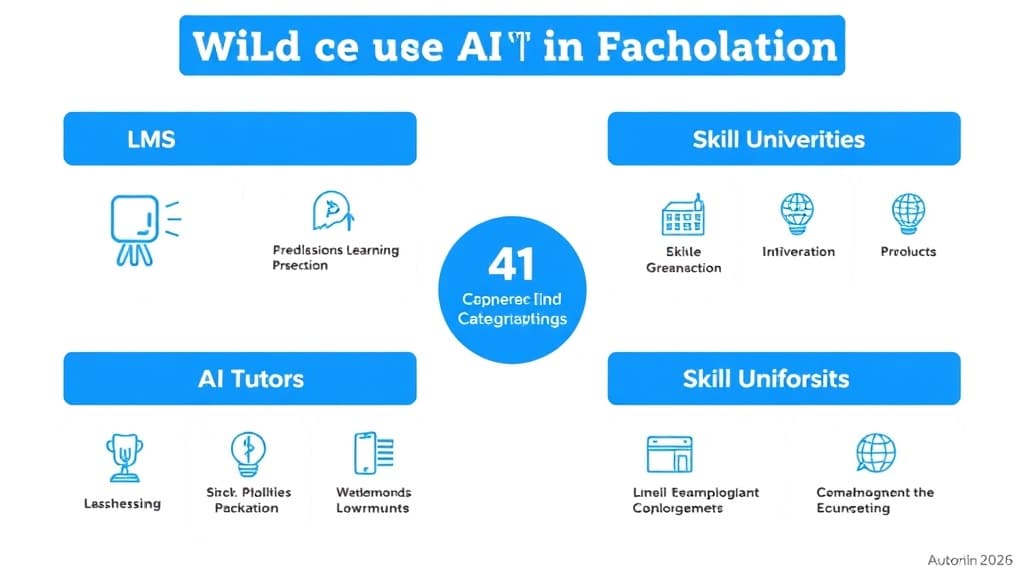
LMS Platforms (Canvas, Moodle, custom builds): AutoML powers engagement scoring — predicting which learners are likely to drop a course before the halfway point. The model trains on clickstream data: time-on-page, video completion rate, forum participation, and assignment submission cadence. Instructors get a weekly at-risk list without writing a single query. Platforms like Instructure have integrated AutoML-backed analytics directly into their instructor dashboards.
AI Tutoring Systems: Adaptive difficulty is one of the oldest problems in EdTech and one that AutoML handles well. By training regression models on student response time, hint usage, and error patterns, AI tutors like Khanmigo and similar 2026-era platforms continuously recalibrate question difficulty at the individual level. The AutoML layer retrains automatically as new student interaction data accumulates — no data scientist required to push an update.
Universities and Institutional Research Offices: Enrollment management teams are using no-code machine learning to score prospective students by likelihood to enroll, likelihood to persist to graduation, and likelihood to need financial aid — three separate models that inform three separate business decisions. Historically this work was outsourced to consultants at significant cost. With AutoML, IR teams run the models in-house, iterate faster, and maintain tighter data governance.
Skill-Based and Corporate Learning Platforms: Platforms like Coursera for Business and internal L&D portals use AutoML to match learners to content based on skill gap analysis. The model takes in assessment results, completed course history, and job role data — and outputs a ranked content recommendation list. This is a multi-label classification problem that would require weeks of custom engineering without AutoML. With it, a product manager can stand up a prototype in a week.
Platform Comparison: Google AutoML vs H2O.ai vs DataRobot vs AutoKeras
| Feature | Google AutoML | H2O.ai | DataRobot | AutoKeras |
|---|---|---|---|---|
| Ease of Use | Very High — native GCP UI | High — web UI + Python API | Very High — enterprise UX | Medium — requires Python basics |
| Pricing (2026) | Pay-per-node-hour; ~$1.20/hr | Free OSS; enterprise from $50k/yr | Enterprise; starts ~$100k/yr | Free (open-source) |
| Deployment | GCP Vertex AI (one-click) | MOJO export; any cloud | REST API; cloud + on-prem | TensorFlow SavedModel export |
| Best For | GCP-native teams; vision/NLP | Data scientists; tabular data | Enterprise compliance; MLOps | Deep learning; research teams |
| Key Limitations | Vendor lock-in; cost scales fast | OSS version needs self-hosting | Expensive; overkill for small teams | No GUI; limited deployment tooling |
Key Insights
- Google AutoML wins on simplicity for teams already in the GCP ecosystem — but the per-node-hour pricing can surprise you on large datasets.
- H2O.ai offers the best value for mid-market EdTech teams: the open-source version is genuinely capable, and the MOJO export format runs anywhere without a cloud dependency.
- DataRobot is an enterprise governance play — its model monitoring, challenger model comparison, and compliance documentation features justify the price tag for large institutions managing regulatory risk.
- AutoKeras is the right choice for research teams building novel architectures — but it is not truly no-code and should not be recommended to non-technical users.
- All four platforms now include LLM fine-tuning workflows as of their 2025–2026 releases, which is a meaningful expansion of what “AutoML” covers.
- Platform choice should follow your deployment environment, not the benchmark leaderboard — the best model is the one your team can monitor and retrain without external help.
Case Study: How a Mid-Size Online University Cut Dropout by 18% Using H2O.ai AutoML
Institution: A regional online university with 14,000 enrolled students and a three-person institutional research team.
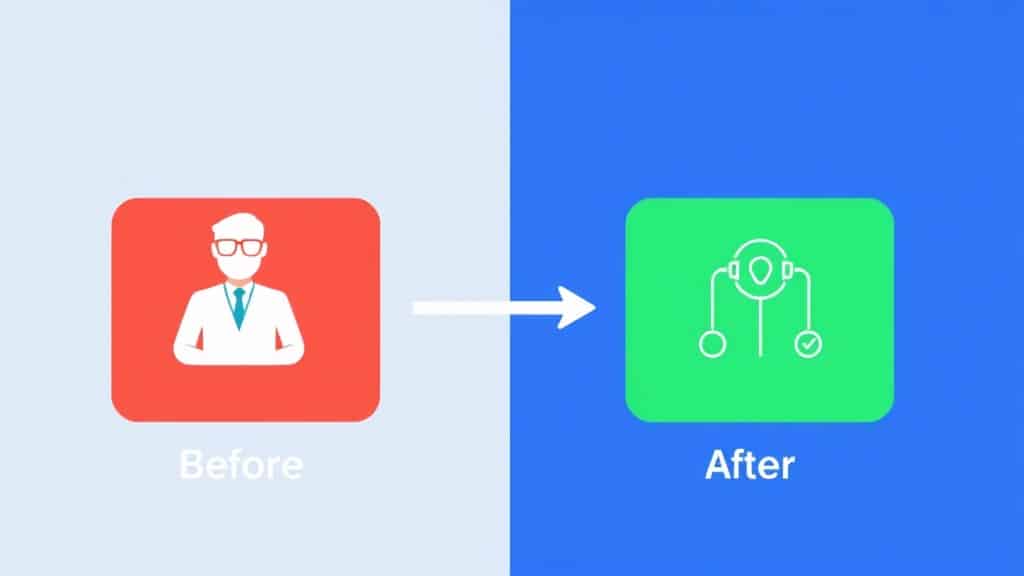
Before: The IR team ran semester-end reports on dropout using Excel pivot tables and a 10-year-old regression model built by a consultant. Early-alert triggers were manual and based on two variables: missed assignment submissions and login gaps of 7+ days. The system flagged students roughly 6 weeks before the semester end — far too late for meaningful intervention. Dropout rate for fully online programs sat at 31%.
After: The IR team spent three weeks profiling their LMS data, cleaning it, and uploading it to H2O.ai’s AutoML interface. They trained a gradient boosting model on 34 features — including discussion post sentiment, device switching patterns, video rewind behavior, and time-of-day login distribution. H2O AutoML ran 87 model experiments in an overnight budget run and surfaced a model with AUC-ROC of 0.91. The team deployed it via H2O’s REST API, connected it to their student success CRM, and set up weekly automated scoring.
Result: Early alerts now fire at week 3 of a 16-week semester — a 9-week improvement in detection lead time. Dropout for fully online programs fell from 31% to 25.4% in the first full academic year of deployment, representing an 18% relative reduction. Student success counselors reported spending less time triaging and more time on actual outreach. Total implementation cost: approximately $8,000 in H2O.ai cloud compute, plus internal staff time. No ML engineers were hired.
Common AutoML Mistakes That Kill Projects Before They Ship
Mistake 1: Treating AutoML as a black box you do not need to understand
Why it happens: The promise of “no code” leads teams to skip the data profiling step and just click “run.” The model trains, achieves impressive accuracy on the training set, and then fails completely in production because of data leakage or a skewed class distribution that was never addressed.
The fix: Spend at least as much time on data validation as on model training. Read every warning your AutoML platform surfaces during the upload and profiling phase. A 98% accurate model trained on leaky data is a liability, not an asset.
Mistake 2: Misdefining the target variable
Why it happens: Teams use proxy metrics because they are easier to measure. “Student logged in during week 8” is not the same as “student passed the course.” Building a model on the proxy gives you a model that optimizes for the proxy — not the outcome you actually care about.
The fix: Define the target variable in a product or business meeting before the data conversation happens. Involve domain experts, not just data people. Write it down explicitly: “We are predicting X, measured as Y, at time Z.”
Mistake 3: Ignoring model explainability requirements until after deployment
Why it happens: Teams optimize for accuracy and ship fast, discovering only after a student or faculty member challenges a decision that they cannot explain why the model flagged a particular case.
The fix: Before deployment, review SHAP values or feature importance scores for your top model. If the top features are ones your stakeholders cannot defend — or that touch protected characteristics — address it before the model goes live. DataRobot and H2O.ai both ship explainability dashboards as first-class features in 2026.
Mistake 4: Skipping post-deployment monitoring
Why it happens: Getting to deployment feels like the finish line. Teams celebrate and move on. Six months later, model performance has degraded because a new LMS version changed the clickstream data schema and nobody noticed.
The fix: Set up data drift alerts on day one. Schedule a monthly model performance review against ground-truth outcomes. AutoML platforms increasingly include built-in monitoring — turn it on. A model that is not monitored is a model you are flying blind with.
Frequently Asked Questions About AutoML in 2026
Q: Can I use AutoML tools in 2026 without any coding knowledge at all?
Yes — in fact, platforms like Google AutoML and DataRobot are fully browser-based. Typically, you upload a CSV, select your target column, set a training budget, and the platform handles the rest. However, you do need to understand your data and your business problem; nonetheless, Python or SQL skills are not required.
Free 2026 Career Roadmap PDF
The exact SQL + Python + Power BI path our students use to land Rs. 8-15 LPA data roles. Free download.
Q: How does AutoML compare to traditional machine learning in terms of accuracy?
On structured, tabular datasets, top AutoML platforms generally match or even beat manually tuned models in the majority of benchmarks. Previously, the gap was meaningful — however, now it is marginal for most real-world problems. That said, human ML engineers still win in certain areas, such as highly novel problem types, unstructured data pipelines, and cases requiring custom loss functions.
Q: What is the best AutoML platform for beginners and data analysts in 2026?
Google AutoML is the most beginner-friendly if your organization uses GCP. H2O.ai’s web UI is excellent for data analysts who want more control without writing code. DataRobot is the right choice if your organization has enterprise compliance requirements and budget to match.
Q: How long does it take to train a model using AutoML?
For a dataset under 100,000 rows, a 30–60 minute AutoML run produces solid candidate models. For production-quality models on larger datasets, plan for 4–8 hours of compute. Most platforms let you run experiments overnight and review results in the morning.
Q: Is AutoML suitable for EdTech companies building AI-powered products?
Absolutely — and it is increasingly the default approach for EdTech product teams. Use cases like dropout prediction, adaptive difficulty, content recommendation, and assessment scoring are all well within the capability envelope of current AutoML platforms. The key constraint is data quality, not tooling sophistication.
Where AutoML Goes From Here — and What You Should Do Next
AutoML in 2026 is not a shortcut for people who do not care about quality — rather, it is a force multiplier for teams who understand their problem, know their data, and want to move fast without sacrificing rigor. Moreover, the platforms have closed the accuracy gap with custom engineering for the majority of real-world use cases. At the same time, the tooling for explainability, monitoring, and compliance has caught up to enterprise requirements. As a result, the only remaining excuse for not experimenting with AutoML in your EdTech stack is inertia.
So, start with one problem. Then, pick a dataset you already have. Next, define a success metric your team can defend. After that, run an experiment this week. Ultimately, the gap between “we are exploring AutoML” and “we have a production model improving student outcomes” is smaller in 2026 than it has ever been.
Book a Free Demo at GrowAI
Ready to start your career in data?
Book a free 1-on-1 counselling session with GrowAI. Personalised roadmap, zero pressure.

